35,000+ smart investors are already getting financial news, market signals, and macro shifts in the economy that could impact their money next with our FREE weekly newsletter. Get ahead of what the crowd finds out too late. Click Here to Subscribe for FREE.
Smartphones quietly collect more data than most Canadians realize. Location trails, app permissions, ad tracking, and device identifiers often run in the background. Many default settings favor convenience over privacy. That does not mean privacy tools are missing. They are just buried inside menus that most people never open. Turning on a few settings can limit tracking, reduce data sharing, and lower exposure risks. Here are 15 privacy settings Canadians should turn on today (iPhone and Android).
Turn Off Ad Personalization
15 Privacy Settings Canadians Should Turn On Today (iPhone and Android)
- Turn Off Ad Personalization
- Limit Location Access While Using Apps
- Disable Precise Location Sharing
- Review App Permissions One by One
- Turn Off Microphone Access for Unused Apps
- Turn Off Camera Access for Most Apps
- Disable Bluetooth Scanning When Not Needed
- Turn Off Wi Fi Network Scanning
- Block App Tracking Requests
- Turn On Automatic Security Updates
- Disable Lock Screen Notifications for Sensitive Apps
- Turn Off App Analytics Sharing
- Limit Photo Library Access
- Turn Off Background App Refresh for Unused Apps
- Review System Privacy Reports
- 22 Groceries to Grab Now—Before another Price Shock Hits Canada
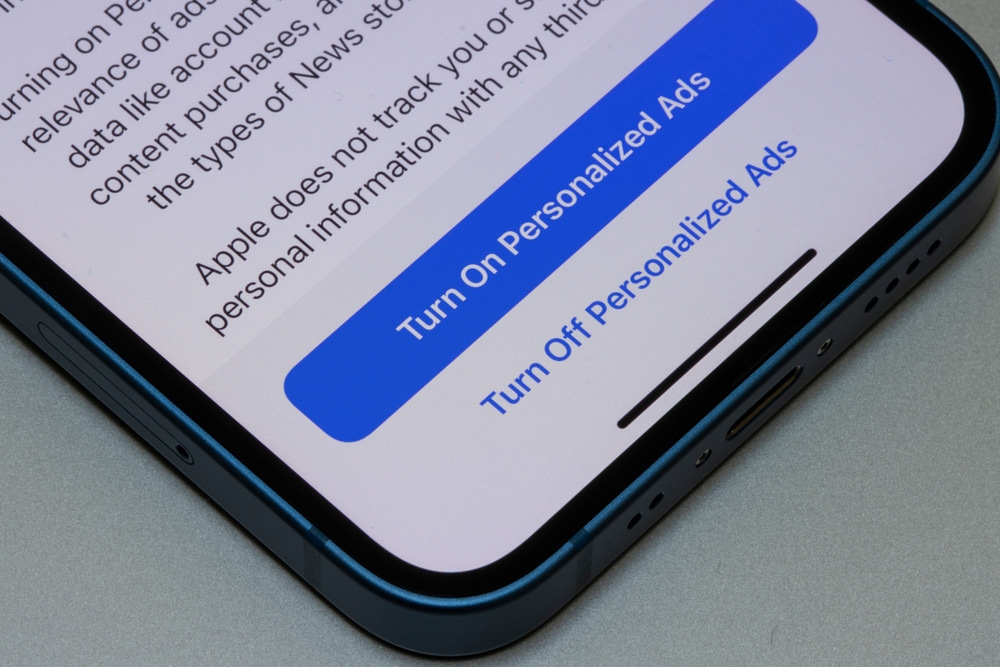
Ad-Personalization follows your behavior across apps and websites. It builds profiles based on searches, location, and app use. On iPhone, turn off personalized ads in Privacy and Security settings. On Android, disable ad personalization or reset your advertising ID. Ads will still appear, just less targeted. This reduces cross-app tracking and data sharing with advertisers. It also limits long-term behavioral profiling. Many people think this stops ads entirely. It does not. It only stops ads based on personal data. That is usually enough to reduce tracking without affecting usability or app performance.
Limit Location Access While Using Apps
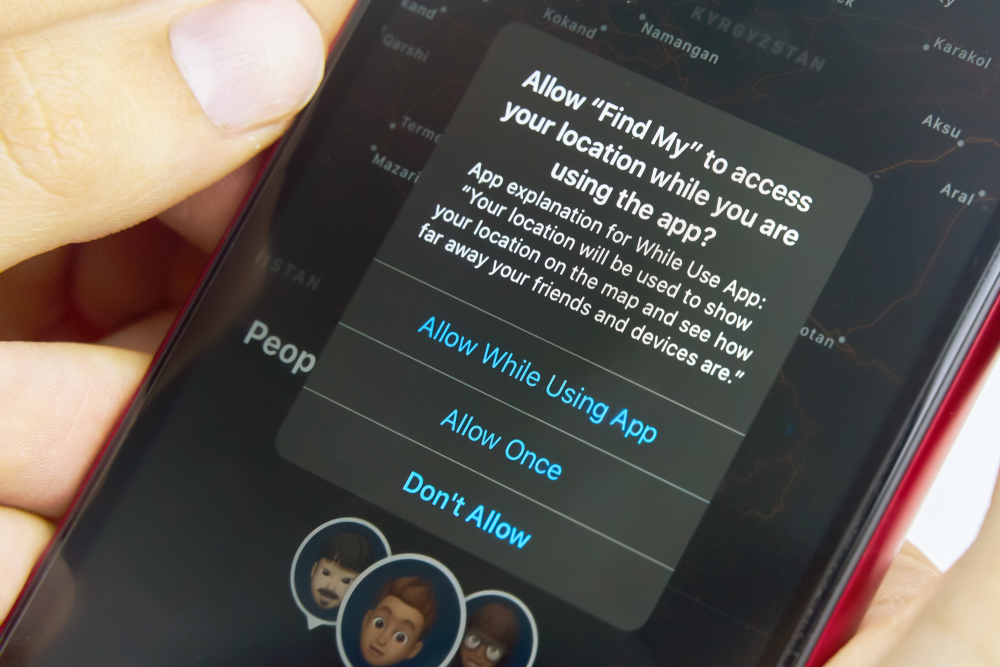
Many apps request location access repeatedly. That is rarely necessary. Set location access while using the app only. On iPhone and Android, this option appears under location permissions. Maps and ride apps still work properly. Weather apps still function. Background tracking stops when the app closes. This reduces passive location logging. It also limits data shared with third parties. Continuous tracking drains battery as well. Limiting access improves privacy and efficiency. Review this setting regularly. New apps often default to constant location access without clear notice.
Disable Precise Location Sharing
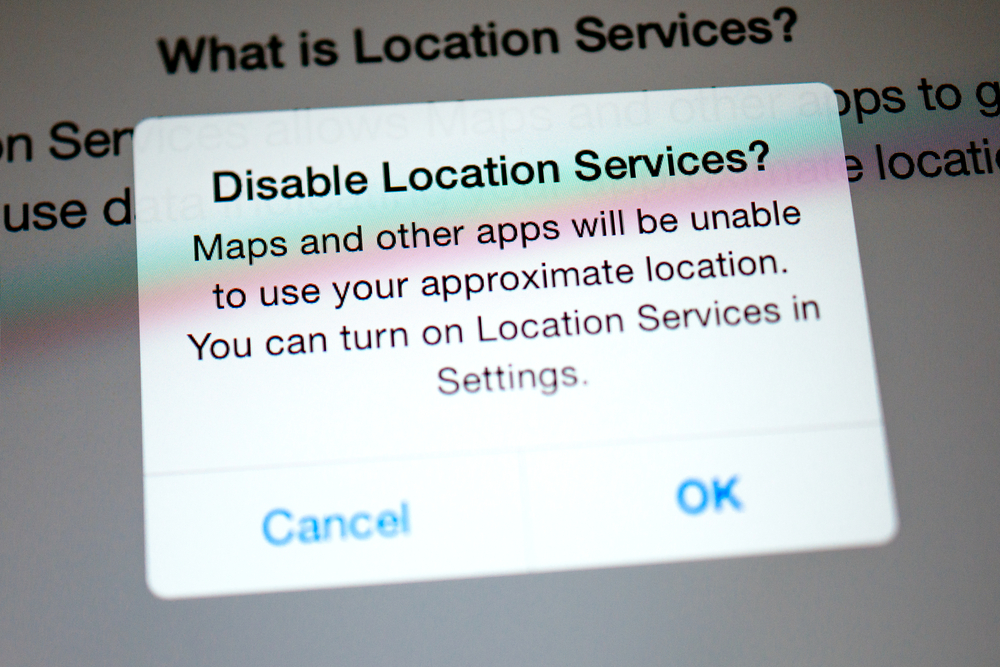
Precise location shares your exact position within meters. Many apps only need a general location. On iPhone, turn off precise location per app. On Android, switch to the approximate location where available. This protects against detailed movement tracking. It still allows basic functions like local results or nearby services. Precise data is often stored or shared. Approximate data reduces exposure if breaches occur. Most users never notice a difference. This setting quietly reduces risk without changing how apps behave day to day.
Review App Permissions One by One
Permissions build up over time. Camera, microphone, contacts, and storage access often remain active. Review permissions app by app. Remove anything that feels unnecessary. A calculator does not need contacts. A game does not need microphone access. On both systems, permissions can be changed anytime. Apps will still open. They will ask again if access is needed. This puts control back with the user. Regular reviews prevent silent overreach. It also limits data exposure if apps update policies later without clear notice.
Turn Off Microphone Access for Unused Apps
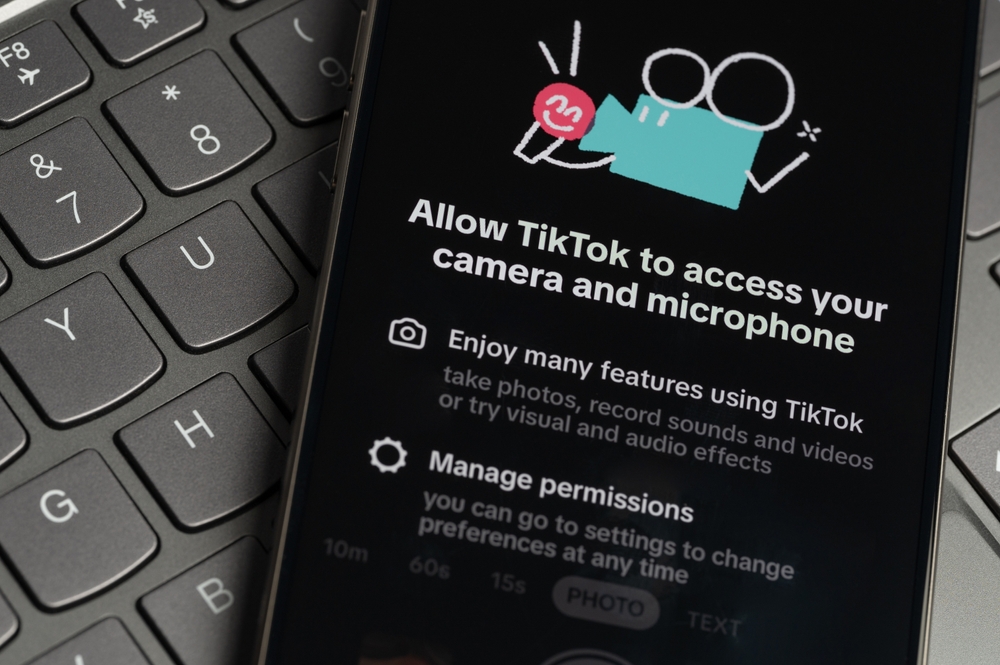
Microphone access allows audio capture at any time. Some apps request it without a clear need. Social media and games often do this. Disable microphone access for apps you rarely use. Keep it enabled only where necessary. Calls and voice tools will still work. Others do not need it. This reduces the chance of accidental recording. It also limits audio data collection. Microphone permissions should be treated carefully. Review them often, especially after installing new apps or updates.
Turn Off Camera Access for Most Apps
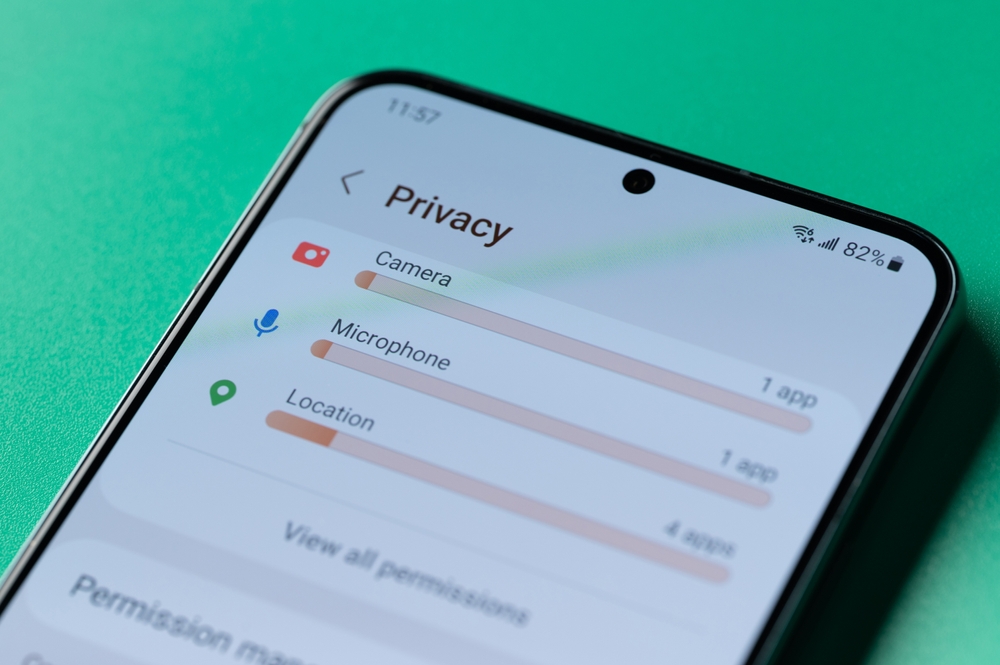
Camera access allows photos and video capture. Many apps request it for optional features. Disable camera access unless it is essential. Messaging and video apps may need it. Shopping or news apps usually do not. On both platforms, permissions can be changed easily. Turning this off does not delete photos. It simply blocks live access. This reduces the risk of unintended camera use. It also limits background scanning. Most people never notice the change unless they actively use the camera feature.
Disable Bluetooth Scanning When Not Needed
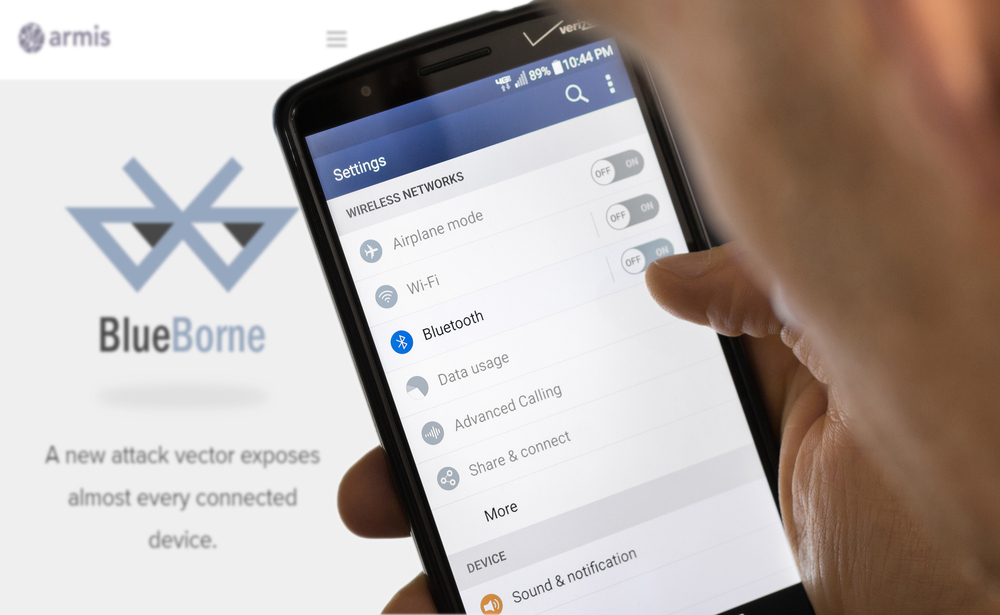
Bluetooth scanning runs even when Bluetooth seems off. It is used for device discovery and location signals. On Android, disable Bluetooth scanning in location services. On iPhone, limit Bluetooth access for apps. This reduces passive tracking. Retailers and public spaces sometimes use Bluetooth beacons. Turning off scanning blocks this. Devices still connect normally when Bluetooth is enabled manually. This setting mainly stops background searches. It also saves battery and reduces unnecessary data exchange.
Turn Off Wi Fi Network Scanning
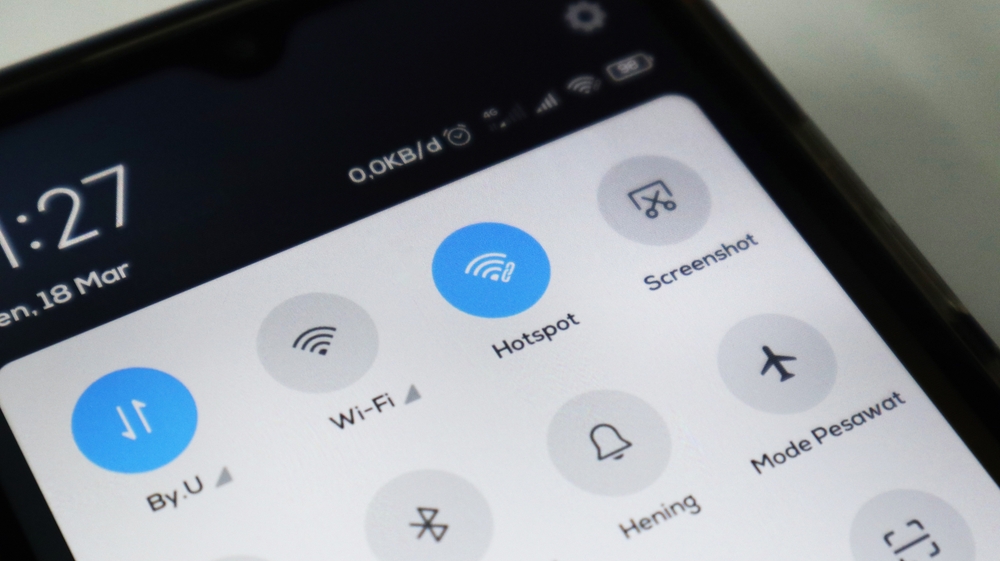
Phones constantly scan for known Wi Fi networks. This can reveal movement patterns. Disable Wi Fi scanning where possible. On Android, this appears under location settings. On iPhone, limit location services for system networking. This prevents background network probing. Your phone will still connect to saved networks. It simply stops constant searching. This reduces data leakage and improves battery life. It is a small change with long-term privacy benefits, especially in public spaces.
Block App Tracking Requests
App tracking allows cross-app data sharing. iPhone shows tracking permission prompts. Choose apps not to track. On Android, limit cross-app tracking in privacy settings. This blocks data linking between apps. Social platforms often rely on this. Apps still function normally. Personalization decreases slightly. Privacy improves significantly. This setting reduces behavioral profiling. It also limits data brokers. Enabling this is one of the most effective privacy measures available today.
Turn On Automatic Security Updates

Security updates patch known vulnerabilities. Delaying them leaves devices exposed. Enable automatic updates for the system and apps. Both platforms support this. Updates often include privacy fixes. They close data leaks and permission bugs. Many people delay updates due to inconvenience. Automatic updates remove that friction. They usually install overnight. This setting protects against exploits with no additional effort. It is one of the easiest privacy improvements available.
Disable Lock Screen Notifications for Sensitive Apps
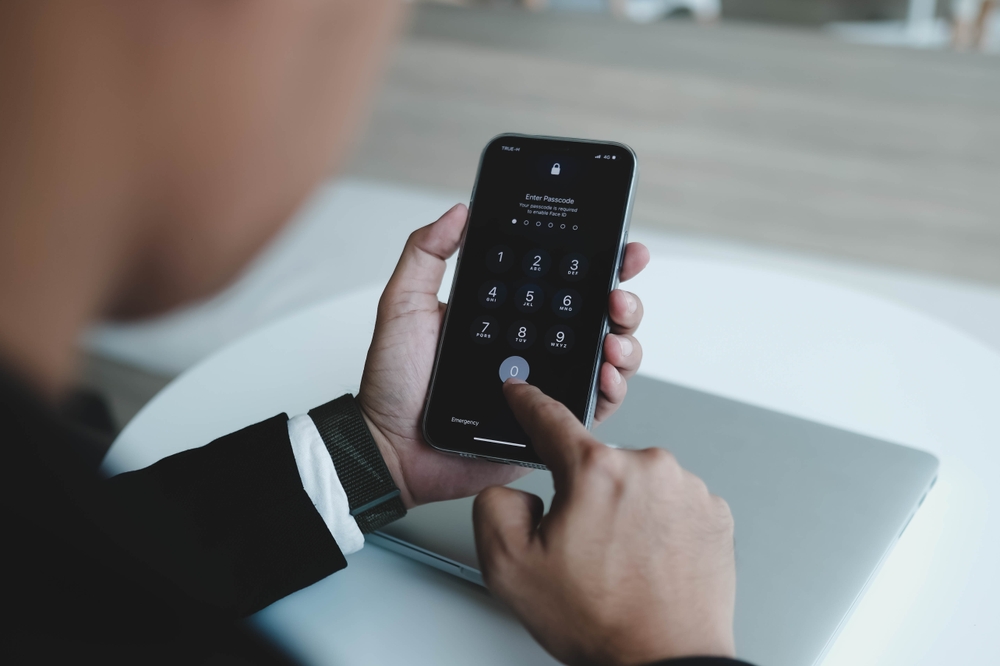
Lock screens often show message previews. This exposes personal information. Disable previews for banking, email, and messaging apps. Notifications will still arrive. Content stays hidden until unlocked. This protects against shoulder surfing. It also reduces accidental disclosure. Both platforms allow app-specific notification controls. Adjust them carefully. This setting matters in public spaces. It also helps if your phone is lost or borrowed briefly.
Turn Off App Analytics Sharing
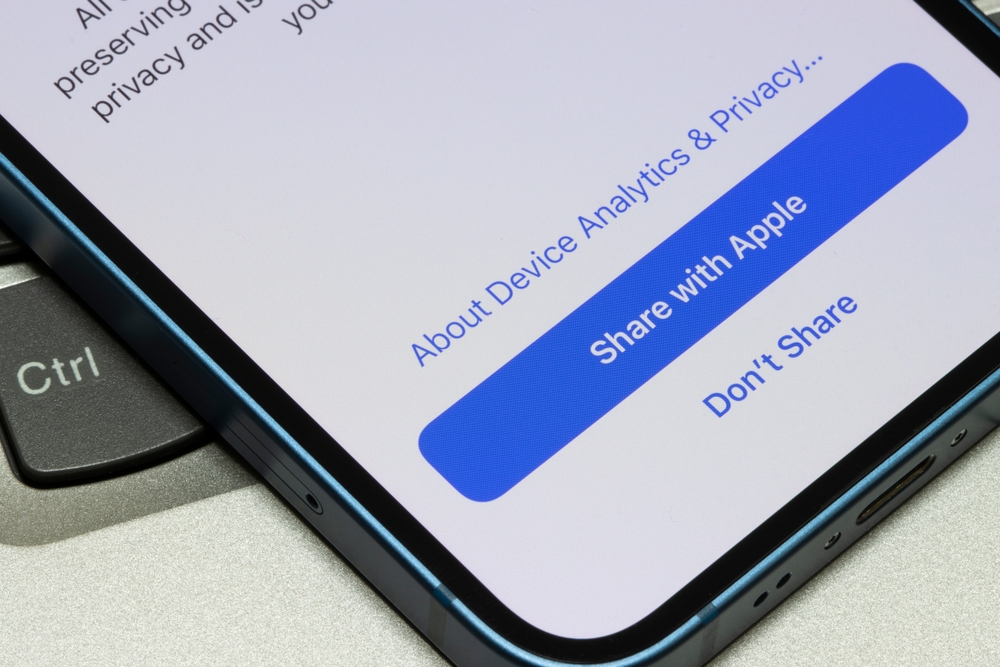
Apps often share usage analytics. This includes how often features are used. It may include interaction patterns. Disable app analytics sharing where possible. Both systems offer system-wide options. This data is rarely needed. Turning it off does not affect app performance. It simply limits internal tracking. Fewer data points mean less profiling. This also reduces data stored long-term. Analytics settings are often overlooked but easy to change.
Limit Photo Library Access
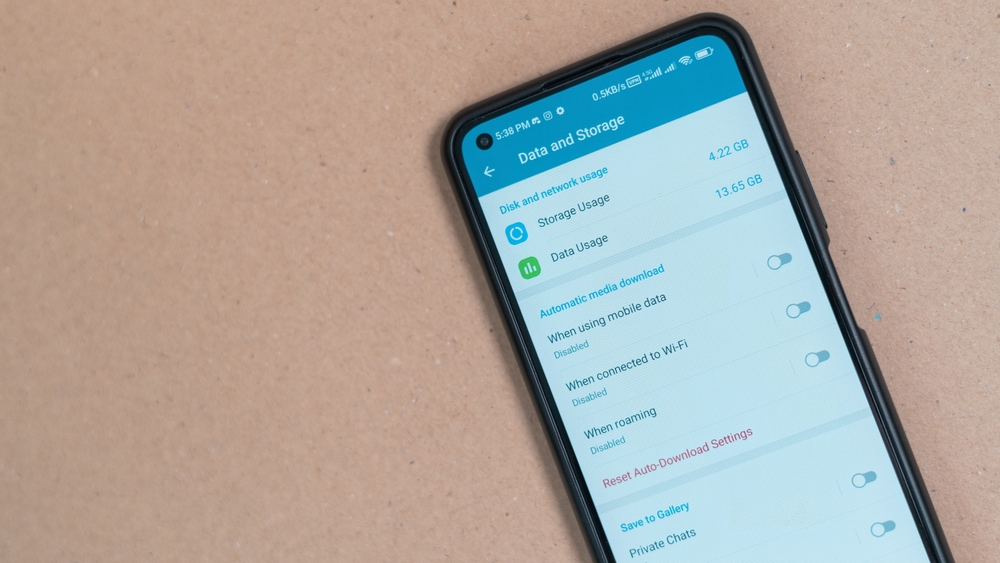
Some apps request full access to the photo library. That is rarely necessary. Change access to selected photos only. iPhone offers this option clearly. Android allows similar controls. Apps can still upload chosen images. They cannot scan your entire library. This protects old photos and metadata. It also limits facial recognition scanning. Review this setting for social and editing apps. It offers strong privacy with no loss of usability.
Turn Off Background App Refresh for Unused Apps
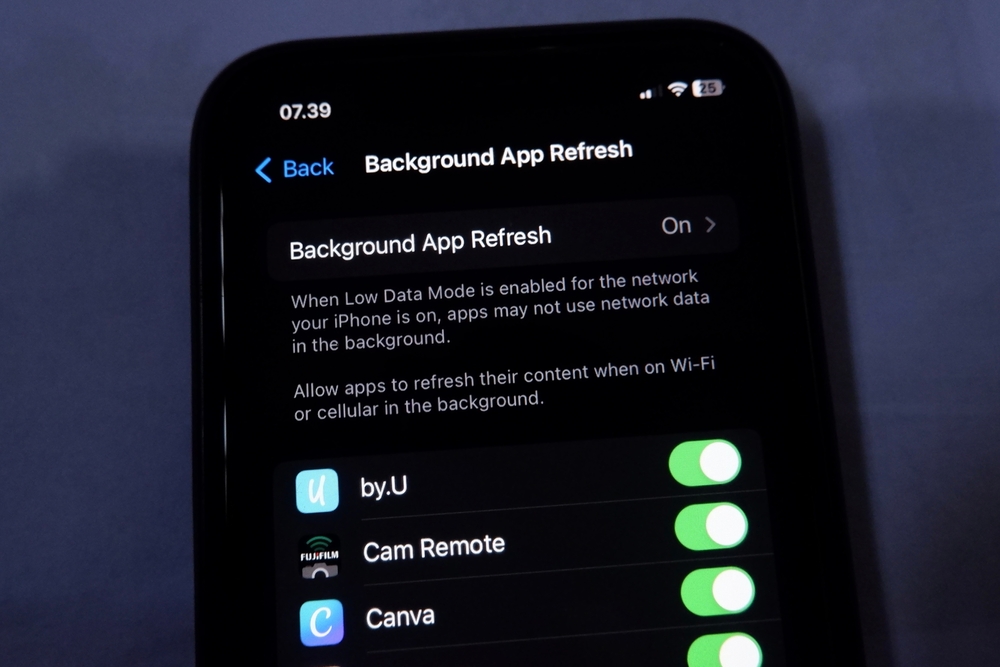
Background app refresh allows apps to run silently. This can include data syncing and tracking. Turn it off for apps you rarely use. Keep it on only where needed. Both systems allow per-app control. Apps are still open normally. They just stop refreshing silently. This reduces background data collection. It also saves battery. Many apps do not need constant refresh. Limiting it improves both privacy and performance.
Review System Privacy Reports
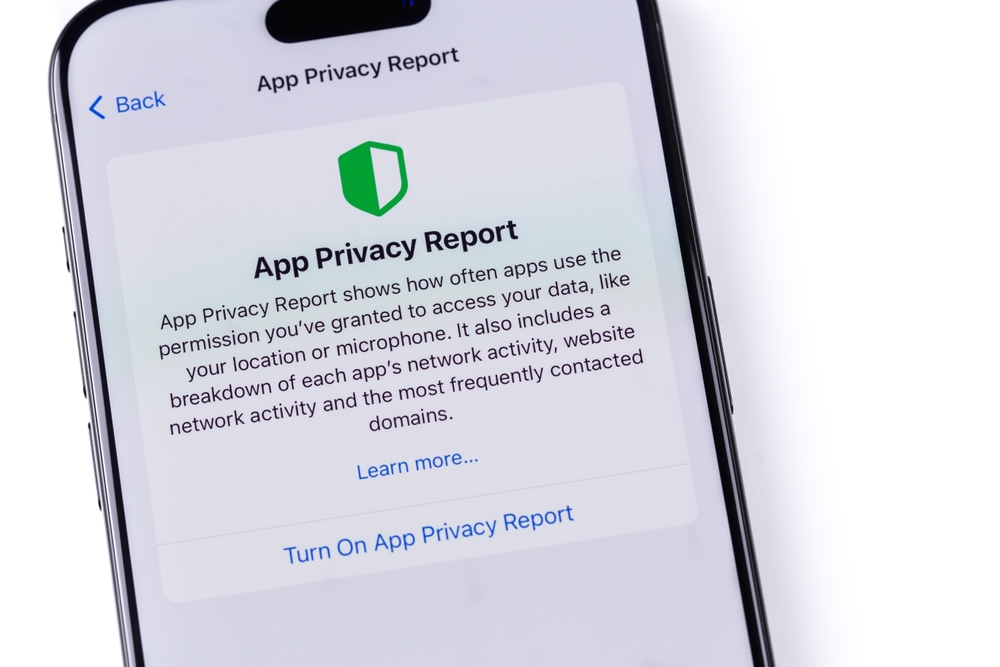
Both platforms offer privacy dashboards. iPhone shows app activity reports. Android provides permission usage timelines. Review these regularly. They show which apps access data and how often. Unexpected activity stands out quickly. This helps catch overreach early. It also builds awareness. Most people never check these reports. They are simple and visual. Regular review turns privacy into an active habit instead of a one-time setup.
22 Groceries to Grab Now—Before another Price Shock Hits Canada

Food prices in Canada have been steadily climbing, and another spike could make your grocery bill feel like a mortgage payment. According to Statistics Canada, food inflation remains about 3.7% higher than last year, with essentials like bread, dairy, and fresh produce leading the surge. Some items are expected to rise even further due to transportation costs, droughts, and import tariffs. Here are 22 groceries to grab now before another price shock hits Canada.
22 Groceries to Grab Now—Before another Price Shock Hits Canada
This Options Discord Chat is The Real Deal
While the internet is scoured with trading chat rooms, many of which even charge upwards of thousands of dollars to join, this smaller options trading discord chatroom is the real deal and actually providing valuable trade setups, education, and community without the noise and spam of the larger more expensive rooms. With a incredibly low-cost monthly fee, Options Trading Club (click here to see their reviews) requires an application to join ensuring that every member is dedicated and serious about taking their trading to the next level. If you are looking for a change in your trading strategies, then click here to apply for a membership.