
35,000+ smart investors are already getting financial news, market signals, and macro shifts in the economy that could impact their money next with our FREE weekly newsletter. Get ahead of what the crowd finds out too late. Click Here to Subscribe for FREE.
Tech support scams are no longer rare or easy to spot. They show up as phone calls, emails, pop-ups, text messages, and even social media ads. Many appear polished and sound calm, which quickly lowers suspicion. Scammers rely on panic, confusion, and unfamiliar technology terms. Canadians are targeted daily because payment systems and personal data are valuable. These scams do not only affect seniors. Students, workers, and business owners get caught, too. Here are 20 tech support scams hitting Canadians right now (how to spot them).
Fake Virus Alert Pop-Ups
20 Tech Support Scams Hitting Canadians Right Now (How to Spot Them)
- Fake Virus Alert Pop-Ups
- Cold Calls Claiming Computer Problems
- Fake Email from Tech Support Teams
- Refund Scams Posing as Overpayments
- Remote Access Tool Abuse
- Fake Subscription Renewal Notices
- Search Engine Ad Scams
- Fake Windows or System Warnings
- Social Media Support Impersonators
- Fake Antivirus Software Offers
- Tech Support Text Message Scams
- Fake Cloud Storage Alerts
- Impersonation Of Internet Service Providers
- Fake Tech Support Chat Windows
- Fake App Support Numbers
- Tech Support Scams Targeting Small Businesses
- Fake Two-Factor Authentication Alerts
- Scammers Using Familiar Technical Language
- Fake Tech Support Through Messaging Apps
- Payment Requests Using Gift Cards or Crypto
- 22 Groceries to Grab Now—Before another Price Shock Hits Canada
Fake virus pop-ups appear while browsing normal websites. The screen suddenly freezes with loud warnings and flashing messages. The alert claims that your device is infected and that your data is at risk. A phone number appears, urging immediate contact. Real security software does not behave this way. These pop-ups often block the close button to increase panic. Calling the number connects you to a scammer posing as support staff. They ask for remote access or payment. Closing the browser fully usually removes the alert. Restarting the device helps. Never trust random warnings demanding action.
Cold Calls Claiming Computer Problems

Scammers call pretending to represent a tech company. They claim your computer sent error reports or unusual signals. The caller sounds professional and confident. They often know your name or city. That information is easily found online. They push urgency and say damage is spreading. Real tech companies do not monitor personal devices this way. The caller asks you to follow the steps on your computer. These steps create fake problems or grant access. Hanging up immediately is the safest move. Do not argue or explain. Block the number if possible.
Fake Email from Tech Support Teams

Emails claim to come from software or internet providers. They warn about account suspension or security issues. The sender’s name looks familiar at first glance. The email urges clicking a link for verification. That link leads to a fake login page. Entering details and credentials to scammers. Some emails include attachments that install malware. Real companies do not demand quick fixes through email links. Check the sender’s address carefully. Misspellings often appear. When unsure, go directly to the company website instead. Never click links from unexpected security emails.
Refund Scams Posing as Overpayments
This scam claims you were overcharged for tech services. You receive a call or email about a refund. The scammer asks you to log into online banking. They guide you through steps that move money instead. Victims think a refund was processed. The scammer then claims an error occurred. They pressure you to return extra funds. Real companies do not require live banking access. Refunds never involve screen sharing. Any request to move money back is a red flag. Stop communication immediately if the refund instructions feel rushed or confusing.
Remote Access Tool Abuse

Scammers ask you to install remote access software. They claim it is needed to fix problems. Once installed, they control the device. Files, passwords, and banking access become visible. Some scammers lock the computer and demand payment. Others quietly steal data over time. Legitimate support asks permission through official channels. They never push unexpected installations. If someone insists on remote access without prior contact, refuse. Uninstall any remote software immediately if installed by mistake. Run a security scan afterward. Change passwords on another device to stay safe.
Fake Subscription Renewal Notices

You receive messages claiming a subscription is renewing soon. The cost listed is high and alarming. A phone number is provided to cancel. Calling connects you to a fake agent. They request payment details or remote access. The scam relies on fear of being charged. Real subscription services allow cancellation through accounts. They do not require calling random numbers. Check subscriptions directly through official apps or websites. Look for spelling errors or generic greetings. Unexpected renewal notices should always be verified independently before taking action or sharing information.
Search Engine Ad Scams

Scammers buy ads that appear at the top of search results. These ads mimic real support pages. Clicking them leads to fake phone numbers. Victims believe they contacted official support. The scammer then claims serious device issues. Payment is requested for fake fixes. Ads look convincing and professional. Always scroll past ads when seeking help. Use the official websites bookmarked earlier. Double-check website addresses carefully. Small spelling changes matter. Search engine placement does not equal legitimacy. Sponsored results are often used by scammers targeting urgent tech problems.
Fake Windows or System Warnings

Scammers exploit the fear of system failure. Messages claim Windows or system files are corrupted. The warning instructs you to call support immediately. These alerts often use official logos. They include technical language to sound real. Real system warnings do not provide phone numbers. They also do not block your screen entirely. Restarting usually clears the message. Avoid interacting with the warning. Do not click links or call numbers. Update your system through settings instead. Genuine updates come through trusted channels, not pop-up emergency messages demanding immediate contact.
Social Media Support Impersonators

Scammers pose as support accounts on social platforms. They reply to complaints posted publicly. Their profile names look official. They invite you to direct messages. From there, they request personal details. Links sent lead to phishing pages. Real companies verify accounts clearly. Look for official badges and long posting histories. Support rarely asks for passwords in messages. Avoid clicking shortened links. Report fake accounts when found. Contact companies through their official websites instead. Social media is convenient, but it is heavily monitored by scammers seeking fast trust.
Fake Antivirus Software Offers
Pop-ups advertise free antivirus scans. The scan runs instantly and finds many threats. Payment is required to remove them. The threats are fake. Installing the software often installs malware instead. Real antivirus software does not advertise through random pop-ups. Legitimate scans take time and show clear details. Avoid downloading security tools from ads. Use trusted brands downloaded from official websites. Remove any suspicious software immediately. Check installed programs regularly. If a scan claims hundreds of issues instantly, it is almost always a scam designed to scare you.
Tech Support Text Message Scams
Text messages warn of account breaches or device risks. They include urgent links or phone numbers. The messages often sound brief and alarming. Clicking links leads to fake support pages. Calling connects you to scammers posing as agents. Legitimate companies rarely send security alerts by text alone. They do not include clickable links without context. Delete unexpected messages immediately. Do not reply or engage. Check accounts through official apps instead. Text scams rely on speed and distraction. Slowing down and verifying separately prevents most damage.
Fake Cloud Storage Alerts

Scammers send alerts about full cloud storage. The message warns that files may be deleted. A link offers an upgrade. The link leads to a fake payment page. Entering details hands information to scammers. Real cloud providers notify users inside their accounts. They do not threaten sudden deletion. Check storage levels directly through official apps. Look for poor grammar or unusual sender addresses. Avoid clicking storage warning links from emails. When in doubt, open a new browser and log in manually to confirm any real issues.
Impersonation Of Internet Service Providers

Scammers pretend to represent internet providers. They claim service disruptions or modem issues. The caller asks you to confirm account details. They may request one-time codes sent to your phone. Sharing these allows account takeover. Real providers do not request codes over calls. They also do not threaten instant disconnection. Hang up, then call the provider at the number on your bill. Verify issues independently. Any request for login codes is a serious warning sign. Protecting those codes prevents unauthorized access to accounts.
Fake Tech Support Chat Windows

Some scams open chat windows automatically. The chat claims to be live support. A representative quickly responds with scripted messages. They ask for system access or payment. Real support chats are accessed through official sites. They do not appear without user action. Closing the browser ends these chats. Avoid typing personal information. Check website addresses carefully. Chat scams rely on speed and familiarity. If you did not seek help, any incoming support chat is suspicious. Always initiate contact yourself through trusted company websites.
Fake App Support Numbers
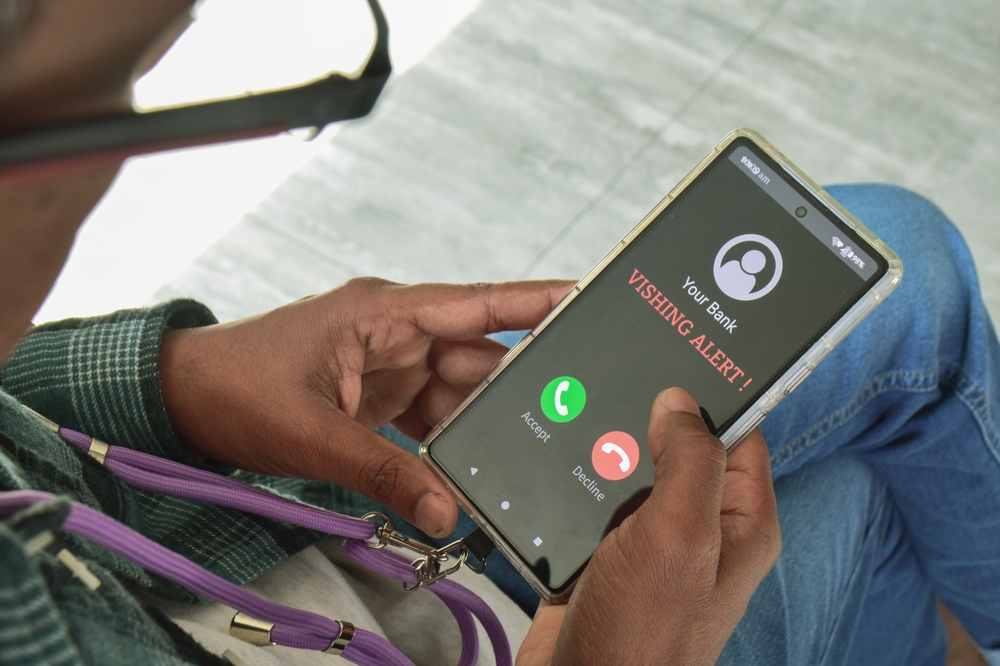
Scammers list fake support numbers online. These appear when searching the app help. Calling connects you to scammers. They claim account problems and request verification. Payment details are often demanded. Official app list and support information are available in settings. Do not rely on random websites. Bookmark official help pages when possible. Check app store listings for contact details. Scammers exploit urgency and search habits. If support information seems hard to find, pause. Real companies provide clear, consistent contact methods without pressure or immediate payment requests.
Tech Support Scams Targeting Small Businesses

Small businesses receive emails about system audits. The message claims compliance issues or data risks. A fake consultant offers help. They request access to systems or invoices. Businesses face pressure from operational risks. Real audits follow formal processes. They do not begin through random emails. Verify any consultant through official channels. Train staff to question unexpected tech requests. Scammers know small teams lack dedicated IT staff. Awareness and clear internal policies reduce risk. Never grant system access without contracts, verification, and proper documentation in place.
Fake Two-Factor Authentication Alerts

Messages claim unusual login attempts occurred. They urge immediate action to secure accounts. Links lead to fake security pages. Victims enter passwords and codes. Scammers then log in themselves. Real alerts often appear inside apps. They rarely include clickable links. Check account activity directly through official platforms. Look for generic greetings or poor formatting. Two-factor alerts should never ask for codes outside the login process. Treat any message requesting codes as dangerous. Protecting authentication steps is key to preventing account takeovers.
Scammers Using Familiar Technical Language
Scammers use terms such as firewall, IP address, and malware. This builds false authority. Victims feel less confident questioning them. The scammer explains problems in confusing terms. Pressure increases as fear grows. Real support explains issues clearly. They allow time for questions. Anyone discouraging second opinions is suspicious. Ask simple questions. Scammers often become impatient. Technical jargon should never override your comfort. If something feels rushed or confusing, stop. Legitimate help does not rely on intimidation or knowledge gaps to force decisions.
Fake Tech Support Through Messaging Apps

Scammers move conversations to messaging apps. They claim calls are recorded or unavailable. Messaging feels casual and trustworthy. Files and links are shared easily. Scammers request screenshots or codes. Real support rarely uses personal messaging apps. They rely on official systems. Avoid continuing support conversations outside verified platforms. Do not share screen images showing sensitive data. Messaging app scams spread quickly and disappear easily. Blocking and reporting help reduce exposure. Always confirm support channels through official websites before continuing any conversation about technical issues.
Payment Requests Using Gift Cards or Crypto
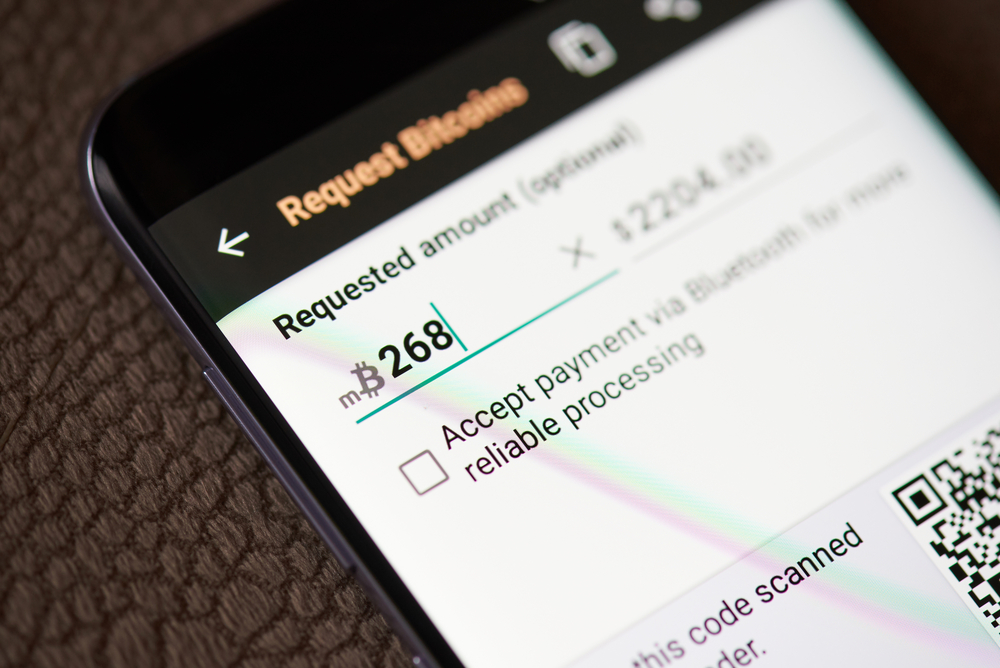
Scammers demand payment using gift cards or cryptocurrency. They claim traditional payment failed. This method is irreversible and untraceable. Real companies never accept gift cards for services. Crypto payments are also rare for consumer support. Any request for these payment methods is a clear sign of a scam. Stop communication immediately. Do not send codes or confirmations. Report the incident if possible. The payment method alone can confirm a scam. Legitimate businesses offer standard, traceable payment options with clear invoices and refund policies.
22 Groceries to Grab Now—Before another Price Shock Hits Canada

Food prices in Canada have been steadily climbing, and another spike could make your grocery bill feel like a mortgage payment. According to Statistics Canada, food inflation remains about 3.7% higher than last year, with essentials like bread, dairy, and fresh produce leading the surge. Some items are expected to rise even further due to transportation costs, droughts, and import tariffs. Here are 22 groceries to grab now before another price shock hits Canada.
22 Groceries to Grab Now—Before another Price Shock Hits Canada
This Options Discord Chat is The Real Deal
While the internet is scoured with trading chat rooms, many of which even charge upwards of thousands of dollars to join, this smaller options trading discord chatroom is the real deal and actually providing valuable trade setups, education, and community without the noise and spam of the larger more expensive rooms. With a incredibly low-cost monthly fee, Options Trading Club (click here to see their reviews) requires an application to join ensuring that every member is dedicated and serious about taking their trading to the next level. If you are looking for a change in your trading strategies, then click here to apply for a membership.